
Guide workers to apply for an NDIS screening check
When a worker needs a check

If a worker in a risk-assessed role does not have an NDIS Worker Screening Check, they must apply for one.

Your worker must apply with their state or territory.

When they apply, they must say where they will work.

They can search for your business on their application form.
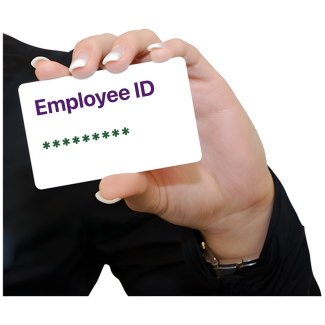
Or you can give them your Employer ID number.
An Employer ID number is the number given to your business in the NDIS worker screening database.
Getting your Employer ID number
You can find your Employer ID number in the new NDIS Commission Portal.
Hover over 'Worker screening' tab and click on 'Employer Details'.
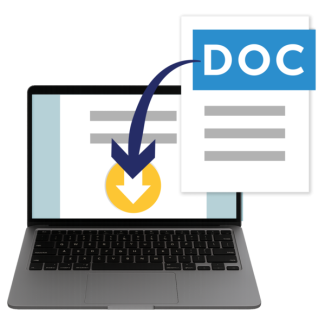
You can copy your Employer ID or download Employer details document.

Then send it to your worker.
How to verify your worker

After the worker has applied, you must verify your worker
Verifying your worker means you tell us that they will work for you.
Their request goes into a worker screening list inside the new NDIS Commission Portal.

You must log into the portal, hover over the 'Worker Screening' tab and click on 'Worker screening'.
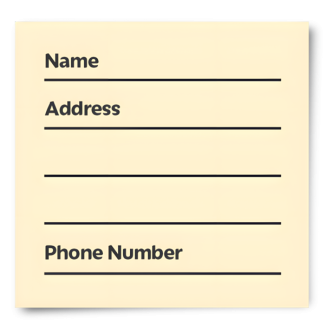
You must enter their work details.

Then click 'verify' to confirm they work for you.

If the worker is unknown to your organisation, you can reject the request.