
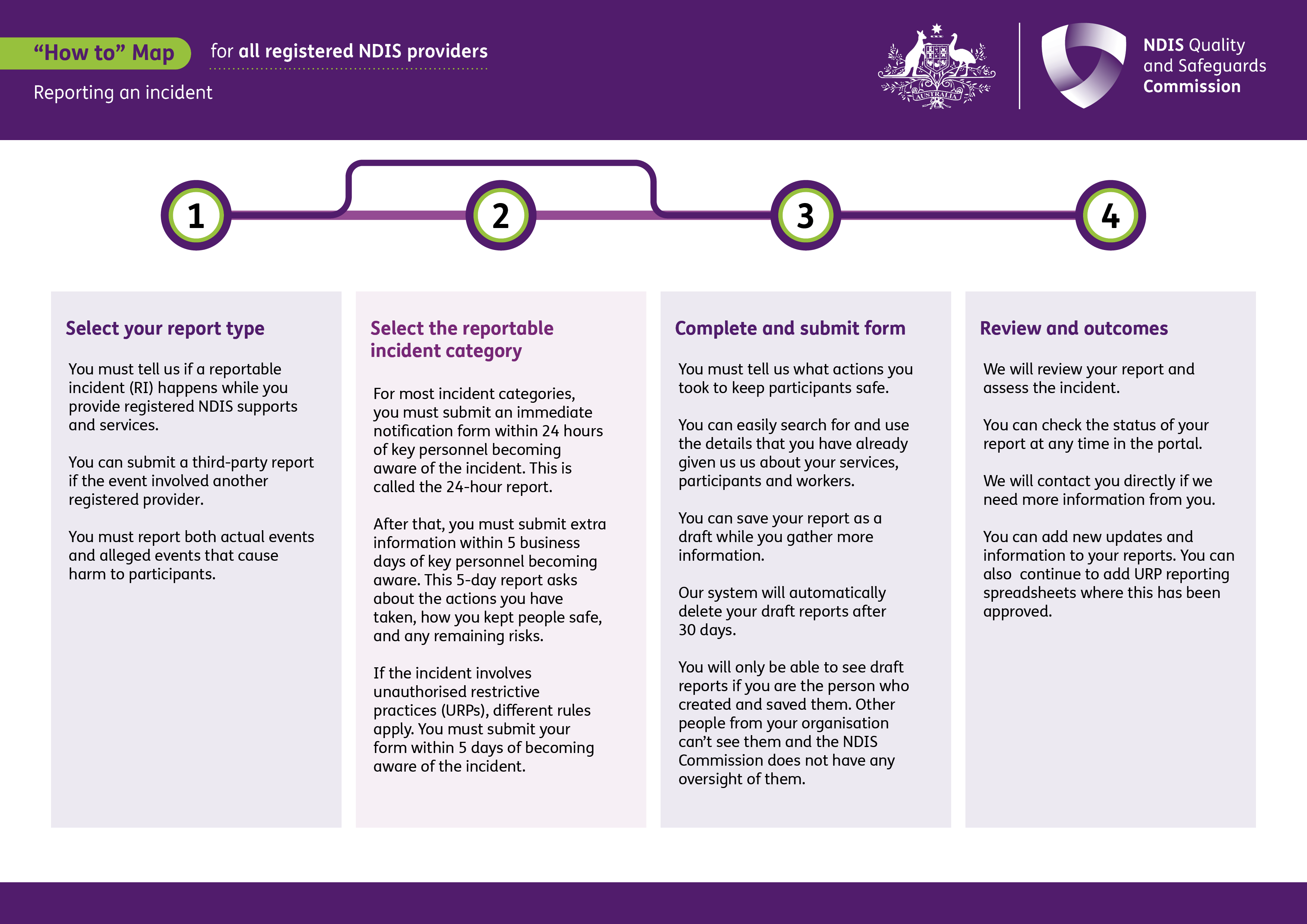
This process map is for registered NDIS providers. It shows how to report an incident in the NDIS Commission Portal, including selecting the report type and category, submitting the report and providing further information when needed.
 Select to view a larger version of this image.
1. Select your report type
You must tell us if a reportable incident (RI) happens while you provide registered NDIS supports and services.
You can submit a third-party report if the event involved another registered provider.
You must report both actual events and alleged events that cause harm to participants.
2. Select the reportable incident category
For most incident categories, you must submit an immediate notification form within 24 hours of key personnel becoming aware of the incident. This is called the 24-hour report.
After that, you must submit extra information within 5 business days of key personnel becoming aware. This 5-day report asks about the actions you have taken, how you kept people safe, and any remaining risks.
If the incident involves unauthorised restrictive practices (URPs), different rules apply. You must submit your form within 5 days of becoming aware of the incident.
3. Complete and submit form
You must tell us what actions you took to keep participants safe.
You can easily search for and use the details that you have already given us us about your services, participants and workers.
You can save your report as a draft while you gather more information.
Our system will automatically delete your draft reports after 30 days.
You will only be able to see draft reports if you are the person who created and saved them. Other people from your organization can’t see them and the NDIS Commission does not have any oversight of them.
4. Review and outcomes
We will review your report and assess the incident.
You can check the status of your report at any time in the portal.
We will contact you directly if we need more information from you.
You can add new updates and information to your reports. You can also continue to add URP reporting spreadsheets where this has been approved.
More information is available in Easy Read: Submitting reportable incidents.