
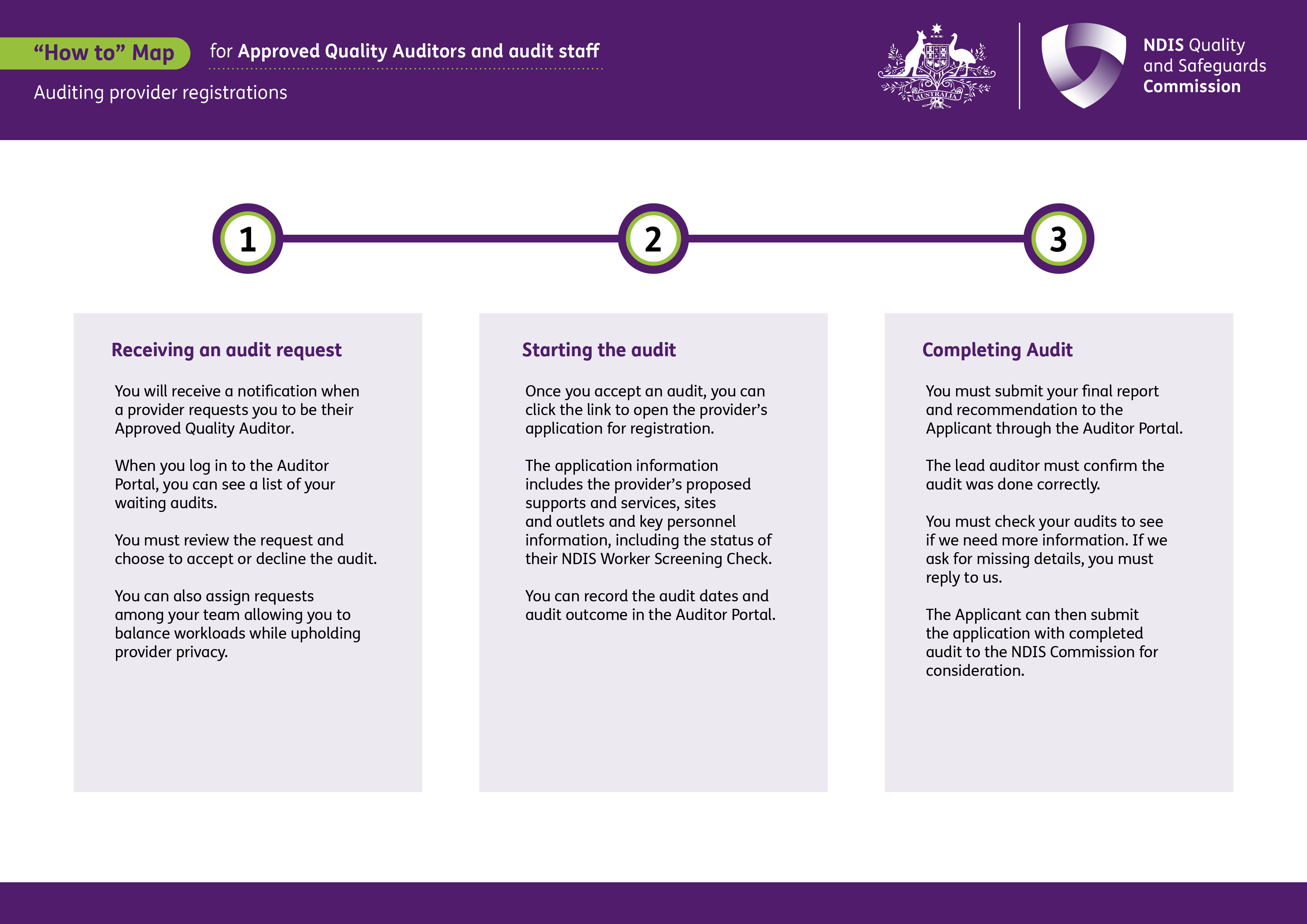
This process map is for Approved Quality Auditors and audit staff. It shows how to manage a provider registration audit, from receiving and accepting an audit request to completing the audit and submitting the final report and recommendation.
 Select to view a larger version of this image.
1. Receiving an audit request
You will receive a notification when a provider requests you to be their Approved Quality Auditor.
When you log in to the Auditor Portal, you can see a list of your waiting audits.
You must review the request and choose to accept or decline the audit.
You can also assign requests among your team allowing you to balance workloads while upholding provider privacy.
2. Starting the audit
Once you accept an audit, you can click the link to open the provider’s application for registration.
The application information includes the provider’s proposed supports and services, sites and outlets and key personnel information, including the status of their NDIS Worker Screening Check.
You can record the audit dates and audit outcome in the Auditor Portal.
3. Completing audit
You must submit your final report and recommendation to the Applicant through the Auditor Portal.
The lead auditor must confirm the audit was done correctly.
You must check your audits to see if we need more information. If we ask for missing details, you must reply to us.
The Applicant can then submit the application with completed audit to the NDIS Commission for consideration.