
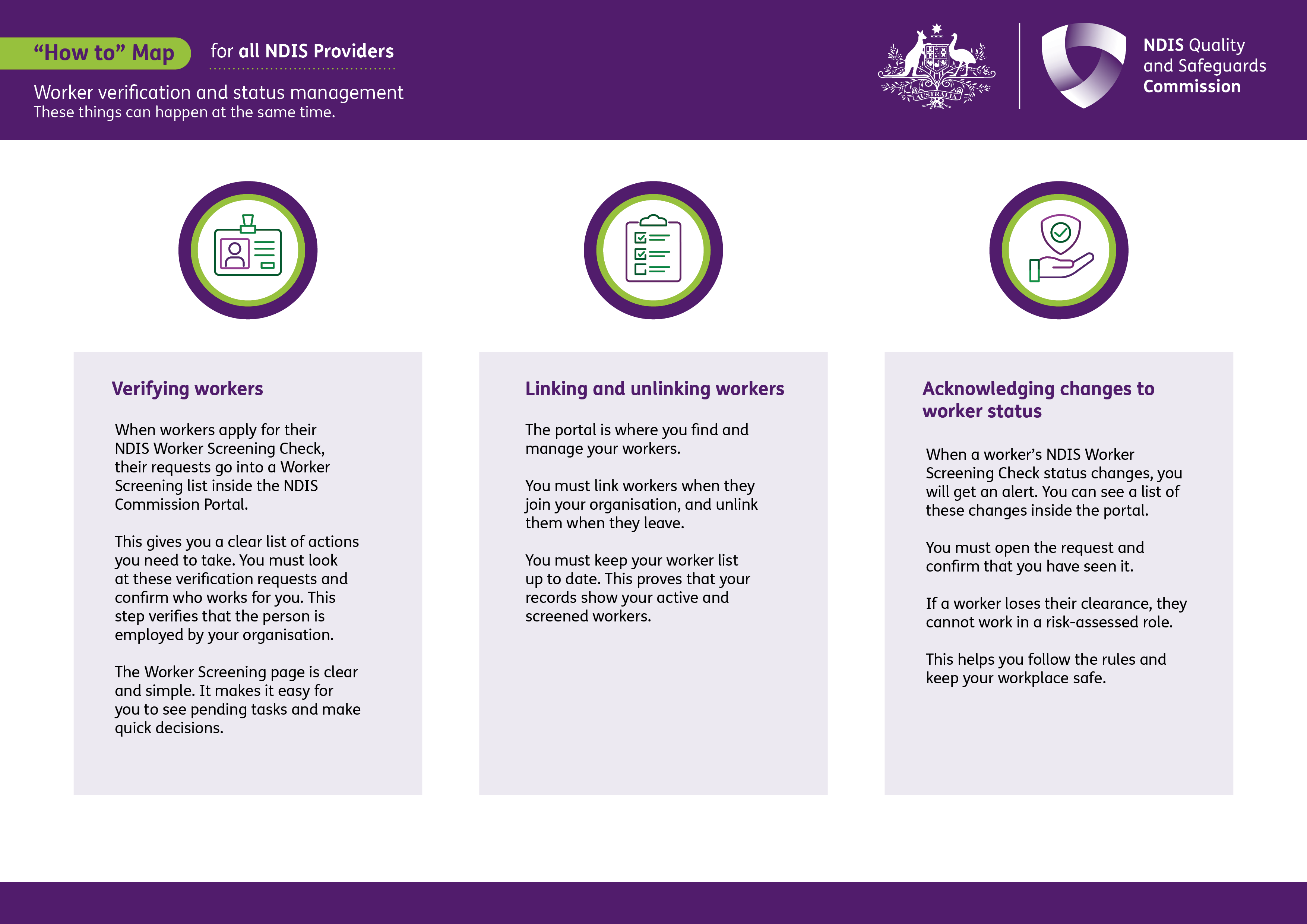
This process map is for NDIS providers managing their workers. It shows how to manage worker screening activities in the NDIS Commission Portal, including verifying workers, linking and unlinking workers, and acknowledging changes to worker screening status.
 Select to view a larger version of this image.
Verifying workers
When workers apply for their NDIS Worker Screening Check, their requests go into a Worker Screening list inside the NDIS Commission Portal.
This gives you a clear list of actions you need to take. You must look at these verification requests and confirm who works for you. This step verifies that the person is employed by your organisation.
The Worker Screening page is clear and simple. It makes it easy for you to see pending tasks and make quick decisions.
Linking and unlinking workers
The portal is where you find and manage your workers.
You must link workers when they join your organisation, and unlink them when they leave.
You must keep your worker list up to date. This proves that your records show your active and screened workers.
Acknowledging changes to worker status
When a worker’s NDIS Worker Screening Check status changes, you will get an alert. You can see a list of these changes inside the portal.
You must open the request and confirm that you have seen it.
If a worker loses their clearance, they cannot work in a risk-assessed role.
This helps you follow the rules and keep your workplace safe.
More information is available in Easy Read: Worker screening (New portal).