
Step by step guide
Log into the new portal. Click on the Applications tab to see your Part 1 application.
Click on the application and inside the record you will see a button to start part 2.
Saving a draft

You can fill in what you know and save your application as a draft.

You can come back at any time to finish it.
We keep your draft for 30 days.
After 30 days, we delete it.
Step 1: More details of your services and where you work

You must add more information about the services and supports you want to give.

Type in the number of NDIS participants you support now.

Type in the number of workers you have.
Tell us about your Outlets
Outlets are a physical or operational base where business or service delivery coordination happens.

Tell us about your sites.
Sites are additional locations from which NDIS supports are delivered. Sites are usually smaller, service-specific locations connected to an outlet.
Step 2: Checking how you follow the rules

You must answer yes or no to questions about your background.

You must promise us that you understand the NDIS Code of Conduct and Practice Standards.
NDIS Code of Conduct and the Practice Standards are the quality and safety rules you must follow when supporting participants.
Step 3: Sign the declaration
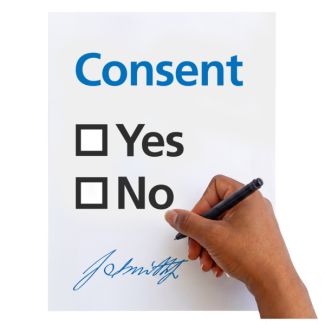
Read the declaration.
A declaration is an official statement where you promise the information is true.

Sign the form.

Submit Part 2 of your application.
Step 4: Download scope of audit and get quotes
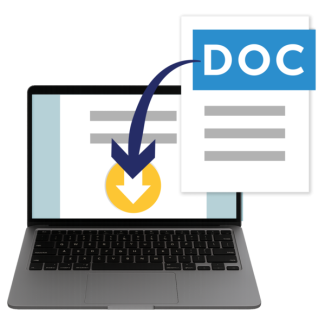
You must download your scope of audit document.
The scope of audit is a document created by the portal.
It tells an approved quality auditor exactly what parts of your business to look at.
An approved quality auditor is the official business or company you hire to check your NDIS services.
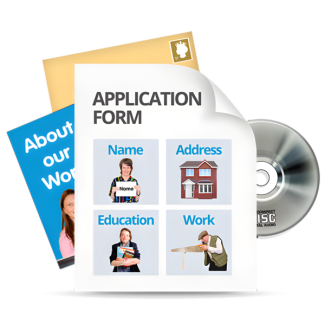
It uses information from your application, like your registration groups, and outlets.

You must use your scope of audit to get prices from approved quality auditors.

You must contact the auditors yourself.
The portal will not contact them for you.
Step 5: Nominate an auditor

Once you have chosen an approved quality auditor, you must go to the portal to nominate them.
Nominate is to officially choose and lock in your chosen approved quality auditor using the portal.

You must find your approved quality auditor in this system and select them.

If they say yes, an auditor will contact you.
An auditor is the individual person who works for the approved quality auditor and actually conducts the checks.

They will help you plan your audit and decide which workplaces to check.
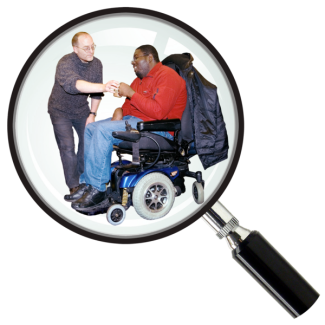
They will check that you follow the NDIS Practice Standards.

If the approved quality auditor says no, you must find a different approved quality auditor.
Step 6: Review and outcome

The auditor will complete their audit.

They will write a final declaration and a recommendation.
They will send it to us.

We will read the recommendations.
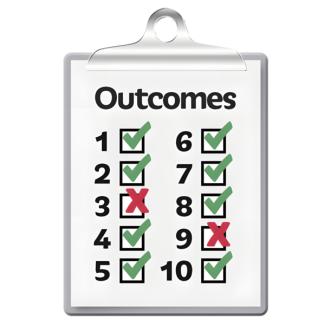
We will use it to make a final decision.
We will decide if you will get a registration certificate.

We cannot make our decision until the auditor sends their recommendation to us.