
Step by step guide
Where to start the registration
Log into the new NDIS Commission portal.
Click 'New application to be registered as an NDIS Provider.'
Saving a draft

You can fill in what you know and save your application as a draft.

You can come back at any time to finish it.
We keep your draft for 30 days.
After 30 days, we delete it.
Step 1: Check your ABN and business details

Type your ABN into the system.
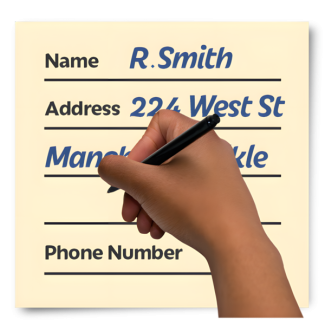
The system will show your legal business name and address.

You must check that this information is correct.
Step 2: Choose your supports and services

Choose your registration groups from a list.

Type in the number of NDIS participants you support now.

Type in the number of workers you have.

Tell us if you already provide services as an unregistered provider.
An unregistered provider is a service provider that is not registered with the NDIS Commission.
Step 3: Answer suitability questions

Answer yes or no to questions about your background.

You must promise that you know the NDIS Practice Standards that apply to your business.
Step 4: Add your Key Personnel

Type in the details for your business leaders.
We need their last name, role, phone number, and email.

You will need their Worker Screening Check ID or Application ID.

We will check with the NDIS Worker Screening Database to confirm their status

The system will send a check directly to each person you name.
Step 5: Sign the declaration

Wait for all your leaders to finish their checks.
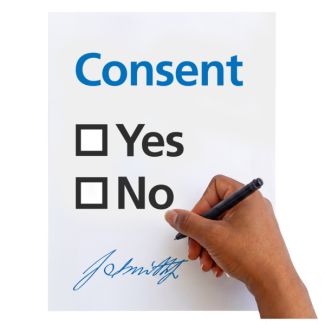
Read the declaration
A declaration is an official statement where you promise the information is true.

Sign the form.

Submit Part 1 of your application.

We will review your application and let you know if you are clear to start Part 2 of your registration.